

Battle.net: All-in-One Blizzard Gaming Hub
Overview
Blizzard Battle.net is a comprehensive desktop application designed to serve as the central hub for all Blizzard Entertainment’s games. It functions as a unified platform for launching, managing, and connecting with friends across titles such as Overwatch, Overwatch 2, World of Warcraft, and Diablo III. The software enables users to browse Blizzard’s catalog, purchase games and digital content, and install them with minimal effort.
It also supports automatic updates, ensuring players always have the latest version of their games. The platform includes social features such as customizable profiles, real-time status updates, chat, voice communication, and group management, fostering a seamless multiplayer experience. Designed to streamline access to Blizzard’s ecosystem, Battle.net eliminates the need to manage multiple launchers or accounts.
It is particularly valuable for fans of Blizzard’s franchises who want a centralized, efficient way to access their favorite titles. The application has evolved since its original 1996 debut with Diablo, now featuring a modernized interface that enhances usability and visual clarity. While it does not resolve in-game technical issues, it provides essential tools for game discovery, social interaction, and library management.
The developer did not provide additional system requirements beyond the operating systems listed.
Key Features & Capabilities
- Unified Game Library – Centralizes all Blizzard titles in one place, allowing users to view, launch, and manage installed games from a single interface.
- Automated Game Updates – Ensures all installed games remain up to date with minimal user intervention, reducing the risk of outdated or incompatible versions.
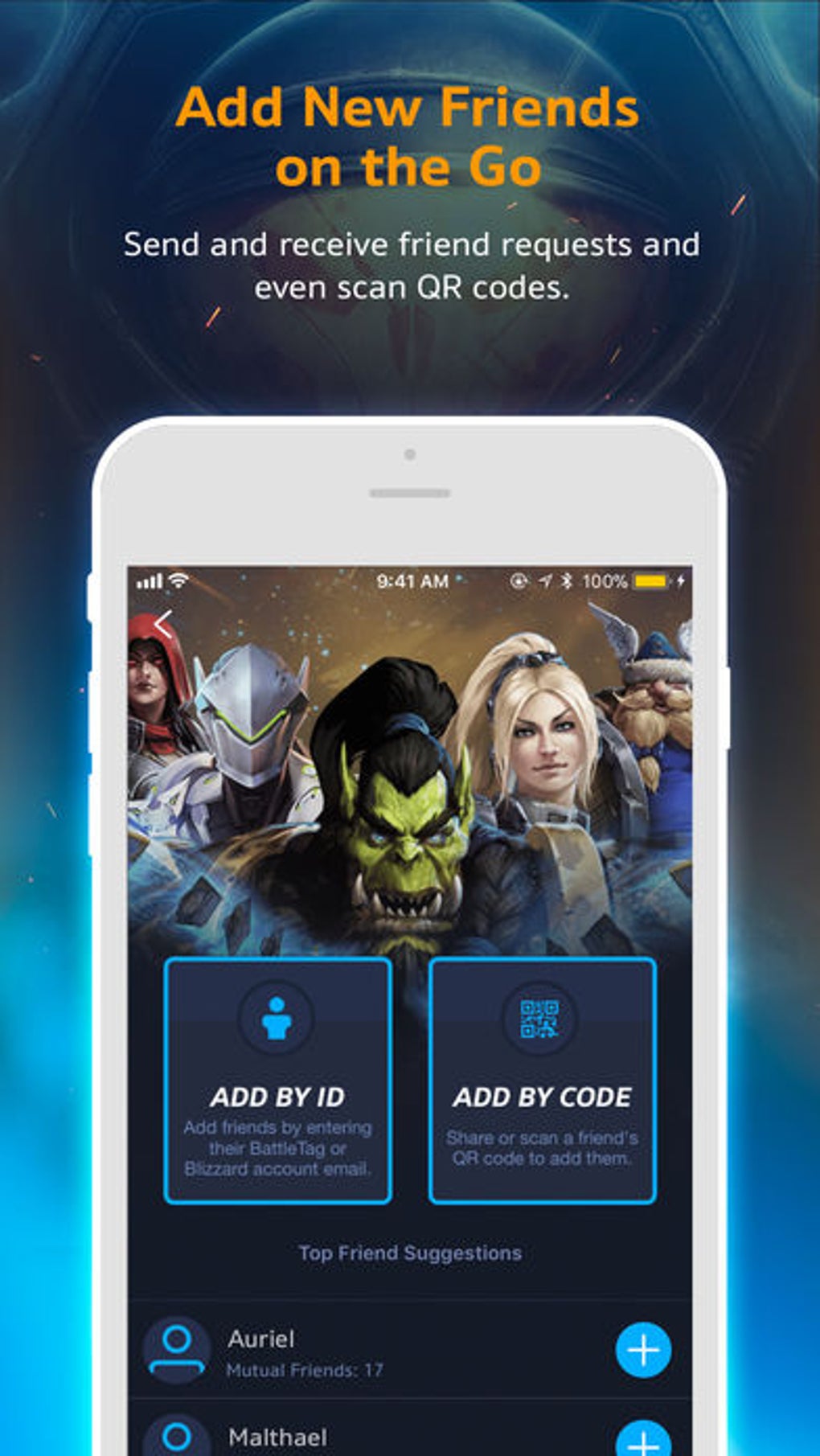
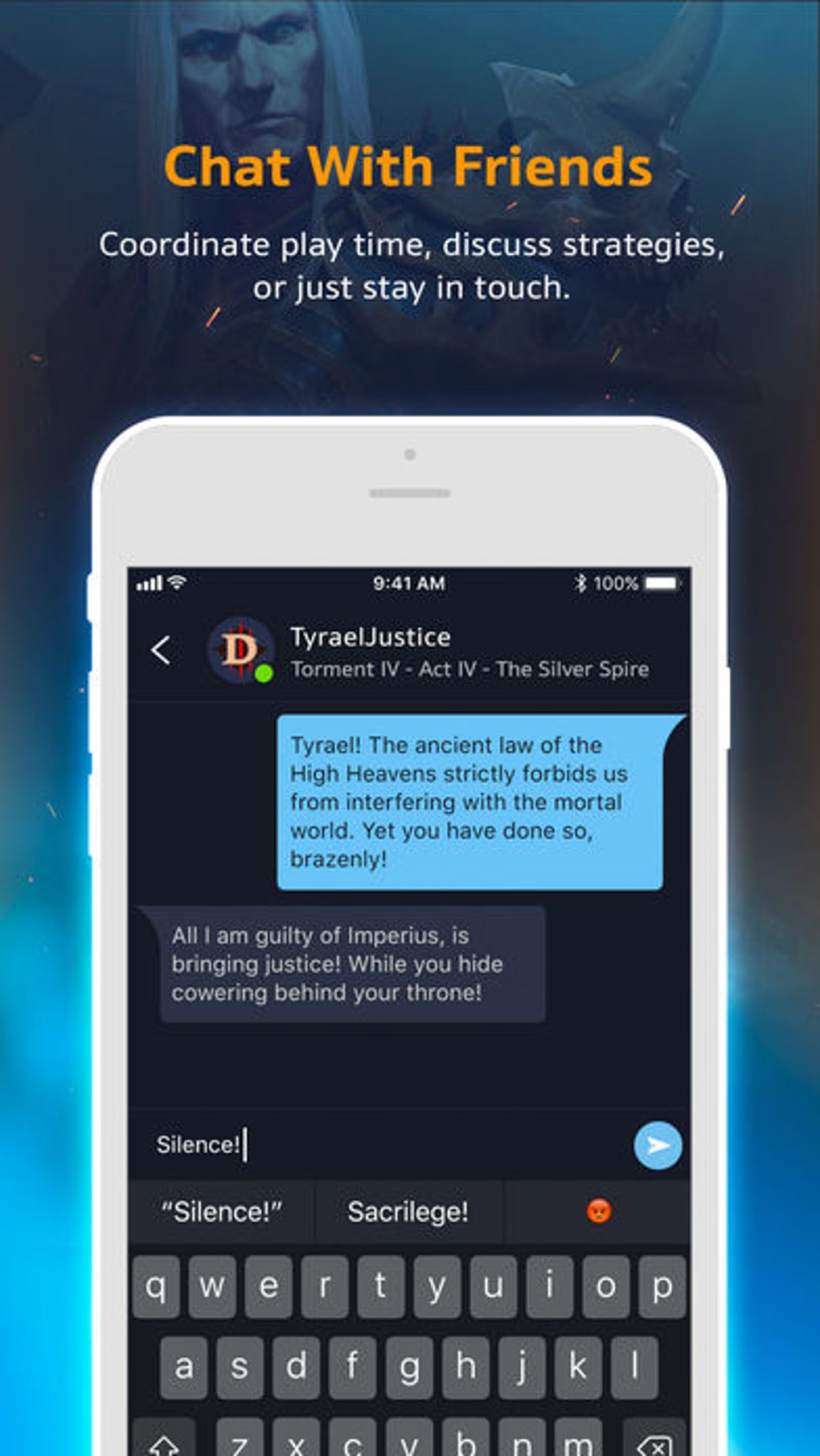
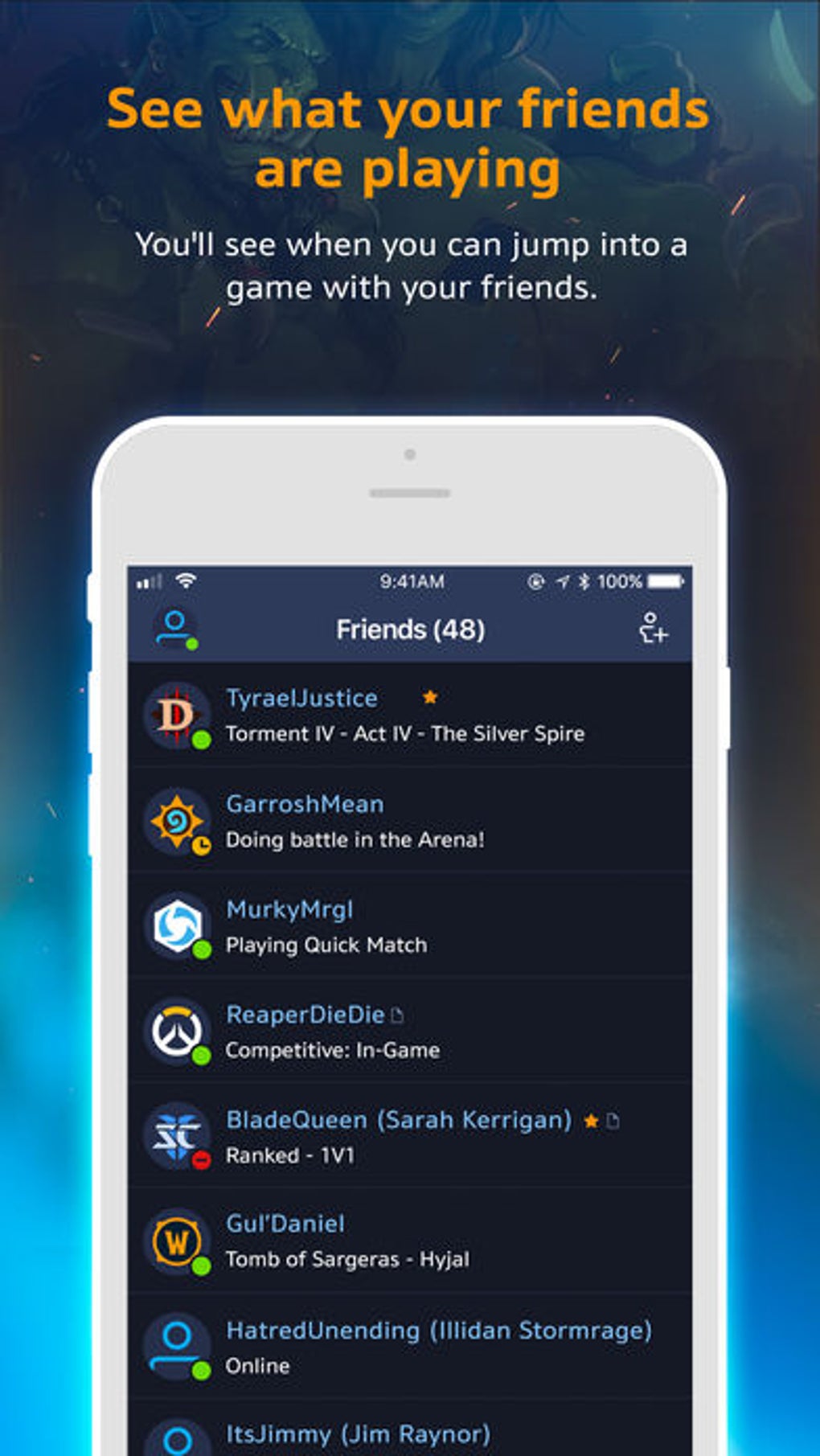
- Integrated Social Platform – Offers real-time status tracking, messaging, voice chat, and friend group management to enhance multiplayer coordination.
- Direct Game Purchasing – Provides a secure in-app marketplace for buying games, expansions, and digital items directly through the platform.
- News & Event Aggregation – Delivers curated updates on game releases, patches, in-game events, and official announcements from Blizzard.
- Keyboard Navigation Support – Enables efficient interaction using keyboard shortcuts, improving workflow for power users and reducing reliance on mouse input.
These features are especially useful for players who own multiple Blizzard titles. For example, a user can check which friends are online, join a game session, and purchase a new expansion—all without leaving the application. The streamlined access to content and community tools helps maintain engagement and reduces friction in daily gaming routines. The platform’s focus on integration and accessibility makes it a reliable companion for both casual and dedicated players.
User Interface, Workflow & Performance
The user interface of Battle.net has undergone a recent redesign, adopting a clean and modern layout that emphasizes clarity and ease of navigation. The main dashboard displays a list of installed games, friend activity, and recent news, allowing users to quickly assess their gaming environment. Navigation is structured through a sidebar menu and top-level tabs, with intuitive icons and labeled sections.
The interface supports keyboard-driven workflows, which can improve efficiency for users who prefer minimal mouse interaction. While the developer did not specify resource usage details, general software behavior patterns suggest moderate CPU and RAM consumption during active use. Performance observations are based on general software behavior patterns.
The application maintains stability during typical operations, such as launching games and syncing with online services. However, performance may vary depending on the number of background processes and the overall system load. The installer size is 1.2 GB, indicating a substantial footprint, but this is typical for a full-featured game launcher with integrated services.
Compatibility & System Requirements
Battle.net is officially supported on both Windows and Mac operating systems. The current version is 1.20.2.34365, and the installation size is 1.2 GB. The developer did not specify exact system requirements, including minimum CPU, RAM, or disk space needs.
Compatibility information was partially provided. Users are advised to ensure their system meets general standards for running modern desktop applications. The platform is designed to work with both 64-bit and 32-bit architectures, though specific hardware details were not listed.
It is recommended to run the software on a machine with a stable internet connection, as many features depend on online synchronization. The application does not support Linux or other non-Windows/Mac platforms.
Pros and Cons
Pros
- Centralized access to all Blizzard games in one application
- Robust social features including chat, voice, and friend tracking
- Automated game updates reduce manual maintenance
- Secure in-app purchasing for games and digital content
- Modernized interface with keyboard navigation support
- Free to use with no subscription fees
Cons
- No support for non-Blizzard games or third-party titles
- Large installation size (1.2 GB)
- Requires a Battle.net account to play any Blizzard game
- Platform dependency limits flexibility for some users
- Performance may vary based on system configuration
FAQ Section
Is Battle.net compatible with both Windows and Mac?
Yes, Battle.net is officially available for both Windows and Mac operating systems.
Is the software free to download and use?
Yes, Battle.net is completely free to download and use. There are no subscription fees or hidden costs.
Can I play Blizzard games without installing Battle.net?
No, all Blizzard games require a Battle.net account and the Battle.net application to be installed before gameplay can begin.
Does Battle.net support offline gameplay?
While the platform requires an internet connection for initial login and updates, some games may allow limited offline play after being launched through the application.
How often does Battle.net receive updates?
Updates are released regularly to maintain compatibility, security, and feature enhancements. The latest version is 1.20.2.34365, released on March 15, 2024.
Final Thoughts
Battle.net remains a cornerstone of Blizzard’s gaming ecosystem, offering a reliable, feature-rich platform for managing and enjoying its titles. Its unified interface, integrated social tools, and automated update system make it an essential utility for fans of World of Warcraft, Overwatch, and other Blizzard franchises. While its exclusive focus on Blizzard games may limit broader appeal, the depth of integration and seamless workflow justify its presence.
The free-to-use model, combined with a modernized design and robust functionality, ensures it remains a top choice for dedicated players. For those invested in Blizzard’s universe, the benefits far outweigh the limitations. Download Battle.net now.







